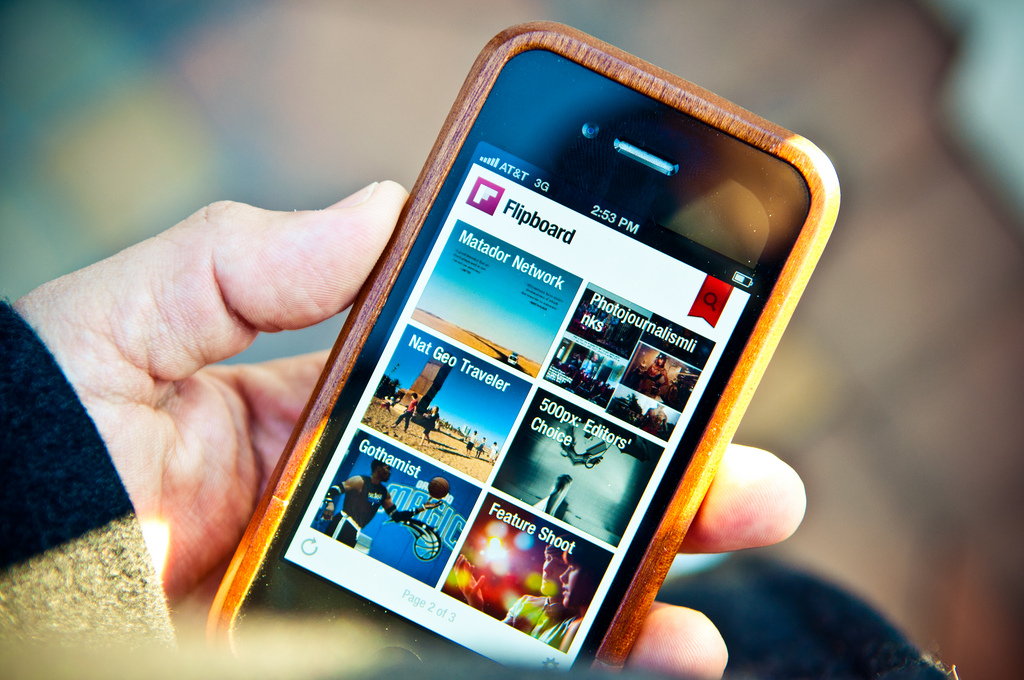
For this app review we are looking at Flipboard; a news and reading app that can also be used for curating online content.
Unlike many apps which moved from desktop computers or the web to mobile devices, Flipboard was made for mobile. Its beautiful layout and interface is seen at its very best on tablets and smartphones.
Flipboard describes itself as ‘a single place to discover, collect and share the news you care about’. As well as bringing together publications you want to read, such as national and local newspapers, you can add blogs that you want to follow and social networks like Twitter, Facebook and Googleplus. Think of it as your own personalised daily paper with sections you have chosen yourself.
Reading is only half the Flipboard story, though. You can also use the app and/or a browser bookmarklet to create your own magazines. These can be private or public, created individually or collaboratively and are easily shared by sending a link or embedding them in a web page. You can also add comments to the content in Flipboard. Read more ›